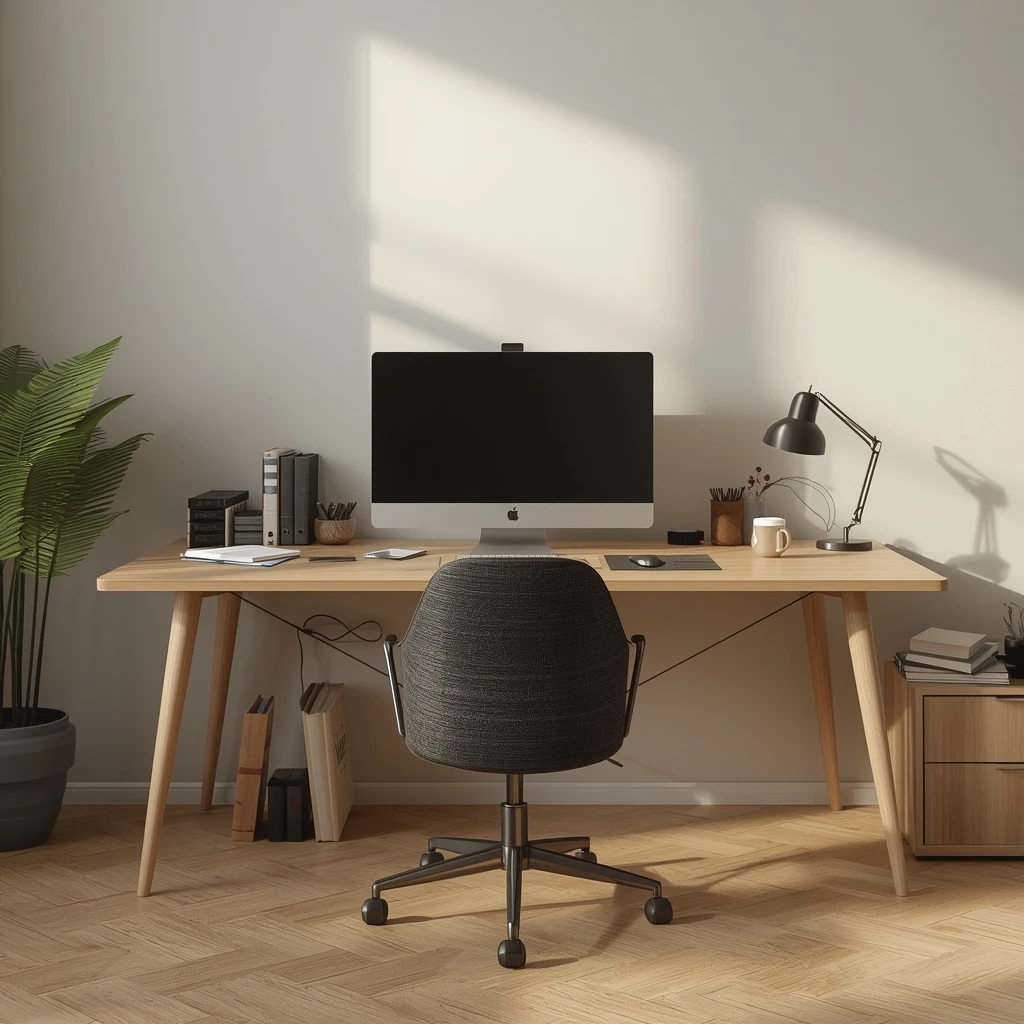
The home office is the room most likely to become an organizational disaster and least likely to get the attention a kitchen or living room would. But a cluttered workspace has real costs: studies consistently link workspace disorganization with reduced focus, increased stress, and longer task completion times. A functional home office does not need to be minimal — it needs to be systematic.
Start With the Desk Surface
The desk surface is your primary workspace, and it should be treated as such. Everything on the desk should either be in active use or support active use. Common desk surface items that should not be there:
- Papers that need filing or discarding
- Items from other rooms that ended up there
- Office supplies that are used only occasionally
- Cables with no active device attached
Clear the desk entirely first. Then return only what belongs there by function: your monitor or laptop, keyboard, mouse, and whatever is in active use today.
The Cable Problem
Cables are the most visually chaotic element of any home office. The approaches that work:
- Cable management box: hides power strips and the excess cable length beneath the desk or behind it
- Under-desk cable trays: mount beneath the desk surface and hold cables off the floor
- Cable clips: adhesive or clamp-on guides that route cables along the desk edge or leg
- Cable ties or Velcro straps: bundle cables that run together into single managed groups
The goal is to have no loose cables visible between the desk surface and the power source.
Paper: The Recurring Problem
Paper accumulates in home offices faster than almost any other category. A sustainable paper management system has three inboxes:
- To action: papers that require a decision or task before they can be filed or discarded
- To file: papers that are resolved but need to be kept
- To shred/discard: papers that can be thrown away
The to-action inbox is processed weekly. The to-file inbox is filed when full. Documents that need long-term retention go into a physical filing system (hanging folders in a file drawer or box) or, better, are scanned and stored digitally.
The Desk Drawer System
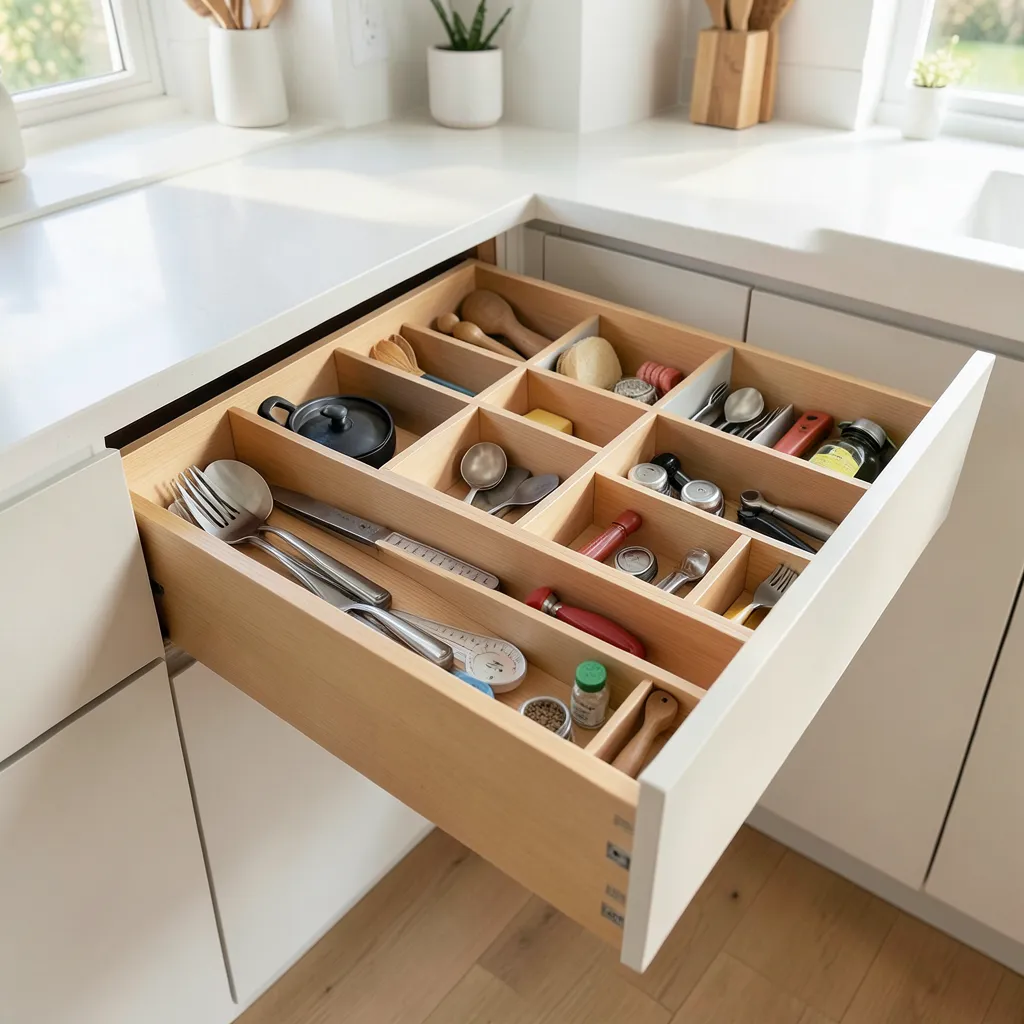
Most desk drawers are a mixed pile of office supplies, charging cables, receipts, batteries, and miscellaneous small objects. A drawer organizer with defined compartments transforms a junk drawer into a functional one. Decide what belongs in your desk drawer by asking:
Do I use this while sitting at this desk?
If no, it belongs elsewhere.
Monitor Height and Ergonomics Are Part of Organization
A monitor at the wrong height creates a cluttered visual field and poor posture. A monitor arm frees the desk surface beneath the screen and allows adjustment to the correct eye level. This single purchase often feels more transformative than any storage product.
Vertical Storage Above the Desk
Wall space above the desk is valuable for frequently referenced materials:
- Floating shelves: for books, binders, and reference materials
- A pegboard: for supplies, headphones, and small accessories
- A wall-mounted whiteboard or corkboard: for current projects
Reducing Inflow at the Source
The best way to maintain a clean home office is to reduce what enters it. Go paperless where possible — switch bills, statements, and receipts to digital delivery. Unsubscribe from catalogs and promotional mail. Buy supplies in smaller quantities so you are not storing excess stock.
A Weekly Reset Habit
Set aside 10–15 minutes at the end of each week to reset the desk to its baseline state. Process the action inbox, file what is in the filing inbox, remove any items that should not be in the office, and wipe the desk surface. This one habit prevents gradual accumulation better than any storage system.
Products That Help
These are the most effective product categories for home office organization. Check current options on Amazon.com:
- Monitor arms (single and dual)
- Under-desk cable management trays
- Desk drawer organizer inserts
- Vertical file organizers
- Desktop paper sorters (3-tray)
- Pegboards sized for a home office wall
- Floating shelves with cable management features